
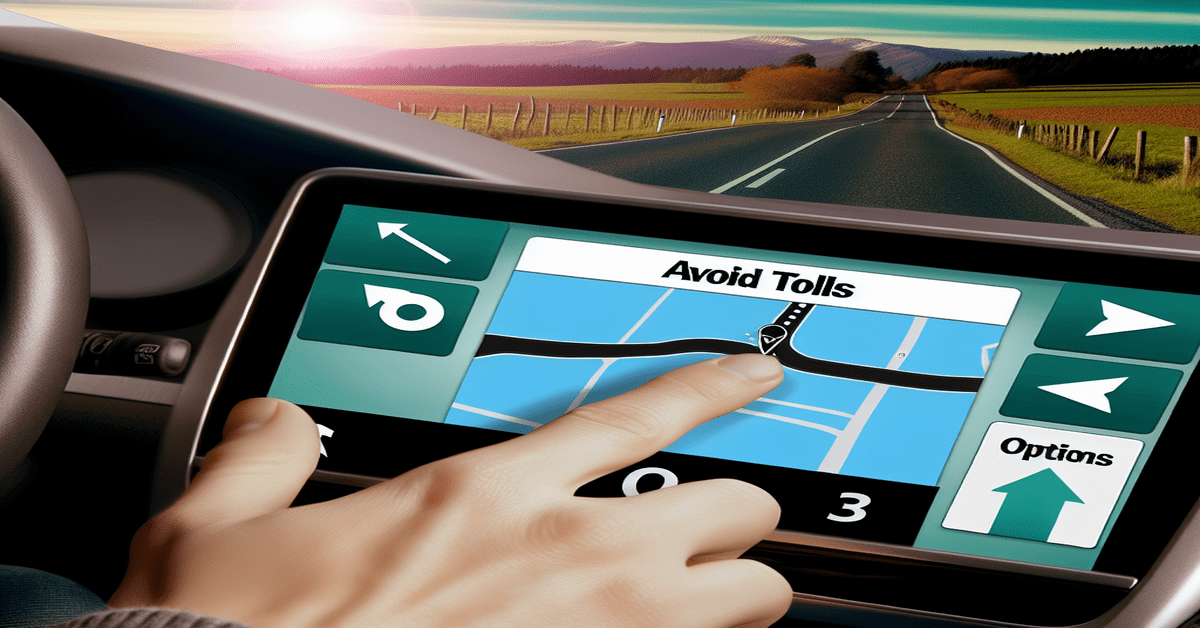
Unlock Hidden Savings: How to Avoid Toll Roads Using Google Maps
Are you tired of shelling out extra cash for tolls on your daily commute or long trips? What if I told you that you could potentially save money by simply adjusting a setting in your Google Maps app? That’s right! Google Maps has a handy feature that allows users to avoid toll roads, and it’s easier to use than you might think.
Step-by-Step Guide to Avoiding Toll Roads
To start saving money on tolls, follow these simple steps:
1. **Open Google Maps**: Begin by opening the Google Maps app on your smartphone or tablet.
2. **Enter Destination**: Input your starting location and your desired destination into the app.
3. **Access Options**: Tap on the three dots (or three vertical dots on Android devices) located in the top right corner of the screen.
4. **Select ‘Avoid Tolls’**: Choose “Options” from the menu and toggle on the “Avoid tolls” setting.
And that’s it! Google Maps will now reroute you through non-toll roads, potentially saving you money on your journey.
Key Considerations When Avoiding Toll Roads
While the “Avoid Tolls” feature can be a great money-saver, there are a few things to keep in mind when using this option:
1. **Increased Travel Time**: By opting for non-toll roads, your travel time may increase, as these routes may not be as direct or efficient as toll roads. It’s important to factor in this extra time when planning your trip, especially if you have a tight schedule.
2. **Scenic Routes**: One positive aspect of avoiding toll roads is that you may discover more **scenic routes** along the way. These alternative paths can take you through charming towns, beautiful landscapes, and hidden gems that you might have missed if you stuck to the main toll roads. Embracing the journey and enjoying the scenery can make the extra travel time feel more worthwhile.
3. **Future Trips**: Once you’ve set your preference to avoid tolls, Google Maps will remember this setting for future trips. This means you won’t have to toggle the option on every time you use the app, unless you want to change your preference. This feature is particularly useful for those who frequently travel to the same destinations and want to consistently avoid toll roads.
The Benefits of Avoiding Toll Roads
While the most obvious benefit of avoiding toll roads is the potential money savings, there are other advantages to consider:
1. **Budget-Friendly Travel**: For budget-conscious travelers, every dollar counts. By avoiding toll roads, you can reduce your overall travel expenses, leaving more money in your pocket for other aspects of your trip, such as accommodations, dining, or attractions.
2. **Exploring Local Communities**: When you take alternative routes to avoid tolls, you may find yourself driving through local communities and smaller towns that you wouldn’t have otherwise encountered. This can be an excellent opportunity to discover hidden local businesses, try new restaurants, and experience the unique character of these areas.
3. **Reduced Stress**: Navigating toll roads can sometimes be stressful, especially if you’re unfamiliar with the area or unsure about the toll payment process. By avoiding these roads altogether, you can reduce your stress levels and enjoy a more relaxed driving experience.
When to Use the “Avoid Tolls” Feature
While the “Avoid Tolls” feature can be beneficial in many situations, there are certain times when it may be particularly useful:
1. **Daily Commutes**: If you have a daily commute that involves toll roads, using the “Avoid Tolls” feature can add up to significant savings over time. Even if the alternative route takes a bit longer, the money saved on tolls can make it worthwhile.
2. **Road Trips**: When embarking on a long road trip, toll costs can quickly add up. By using Google Maps to avoid toll roads, you can stick to your travel budget and potentially discover new and interesting routes along the way.
3. **Unfamiliar Areas**: If you’re traveling to a new area and are unsure about the toll roads and payment methods, avoiding tolls altogether can simplify your navigation and reduce the risk of accidentally incurring toll charges.
Conclusion
The “Avoid Tolls” feature in Google Maps is a simple yet powerful tool that can help you save money and discover new routes on your travels. By following the step-by-step guide outlined in this post, you can easily set your preference to avoid toll roads and start enjoying the benefits of toll-free travel. Whether you’re a daily commuter looking to save money or a leisure traveler seeking scenic routes and local experiences, this feature is definitely worth exploring. So the next time you open up Google Maps to plan your route, remember to check the “Avoid Tolls” option and see where the journey takes you!
Have you used the “Avoid Tolls” feature in Google Maps before? Share your experiences and any money-saving tips you’ve discovered in the comments below! And if you found this post helpful, don’t forget to like and share it with your friends and family who might also benefit from this handy Google Maps feature.
#GoogleMaps #TollFree #MoneySavingTips
-> Original article and inspiration provided by Zee News
-> Connect with one of our AI Strategists today at ReviewAgent.ai