
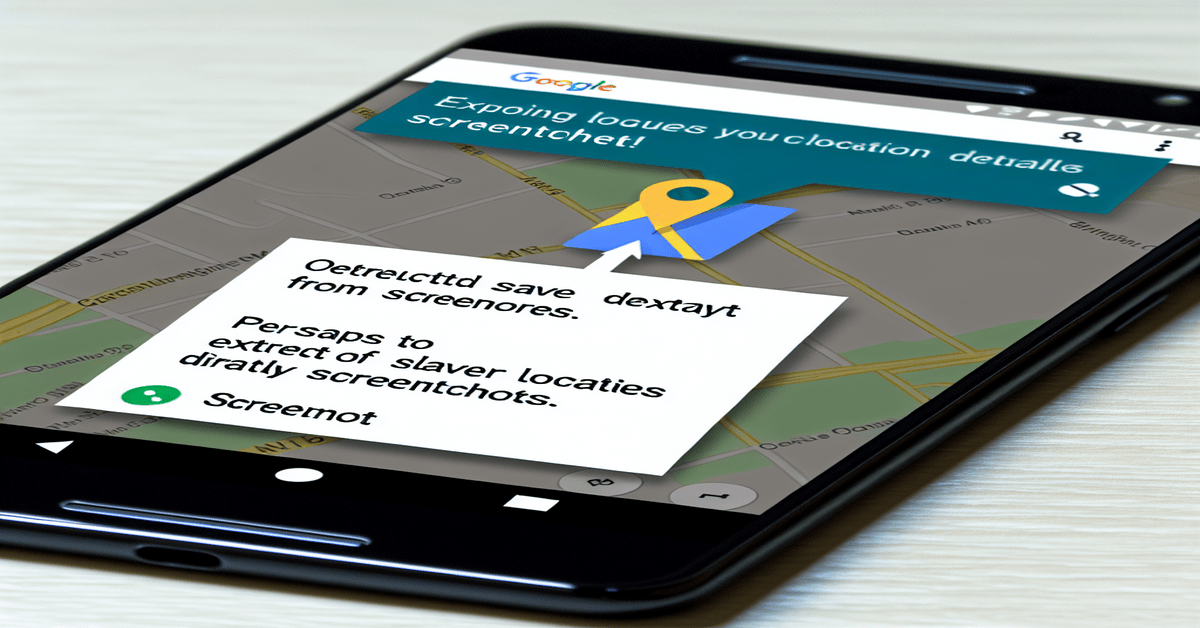
Google Maps Revolutionizes Travel Planning with AI-Powered Screenshot Feature
Get ready to say goodbye to the hassle of manually saving travel destinations! Google Maps has just introduced a game-changing feature that will make your travel planning a breeze. With the power of Google’s Gemini AI, you can now save places directly from your screenshots, making it easier than ever to keep track of all the amazing locations you come across while browsing the web or scrolling through social media.
Imagine this: you’re casually reading a travel blog or checking out a friend’s Instagram post about their recent vacation. A stunning destination catches your eye, but you don’t have the time to jot down the details or look it up on Google Maps. That’s where this new feature comes in! Simply take a screenshot, and let Google Maps work its magic.
How It Works
The process is incredibly simple. Google Maps uses its advanced AI capabilities to scan your screenshots for location names and relevant details like addresses. Once it identifies a place, you can save it directly into the app with just a tap. No more copying and pasting or trying to remember the name of that hidden gem you discovered online.
But wait, there’s more! Google Maps takes it a step further by allowing you to organize all your saved locations from screenshots into a neat list within the app. This means you can bid farewell to the clutter of random travel screenshots in your photo library. Everything will be conveniently stored in a dedicated “screenshots” tab under the “You” section of Google Maps.
Seamless Integration with Google Maps Features
Now that you have all your desired locations saved, Google Maps makes it effortless to plan your itinerary. You can get directions to any of the saved places, mark them as favorites for quick access, or share them with your travel buddies. No more fumbling around with addresses or trying to remember the exact location of that hidden café you wanted to visit.
This new feature seamlessly integrates with the existing functionality of Google Maps, enhancing your overall travel planning experience. Whether you’re a globetrotter, a weekend adventurer, or simply someone who loves to explore new places, this update will undoubtedly become your go-to tool for organizing and managing your travel bucket list.
Privacy and Control
Google understands the importance of privacy, and they’ve made sure to give users complete control over this new feature. While Google Maps can scan your entire photo library for screenshots containing location information, you have the option to manually add images or disable the feature altogether if you prefer to keep certain screenshots private.
This granular control ensures that you have the final say in which screenshots are analyzed and saved into the app. You can enjoy the convenience of the feature without compromising your privacy preferences.
The Future of Travel Planning
As technology continues to evolve, it’s exciting to see how companies like Google are leveraging AI to simplify and enhance our daily lives. This new Google Maps feature is a testament to the **power of innovation** and its potential to revolutionize the way we plan our travels.
Gone are the days of cluttered notes, forgotten destinations, and manual location entry. With this AI-powered screenshot feature, Google Maps has taken a significant leap forward in making travel planning more intuitive, efficient, and enjoyable.
Final Thoughts
If you’re an avid traveler or simply someone who loves to explore new places, this new Google Maps feature is a **game-changer**. It harnesses the **power of AI** to simplify the process of saving and organizing travel destinations, making it easier than ever to turn your screenshot inspirations into reality.
So, what are you waiting for? Update your Google Maps app on iOS or Android and start saving those amazing locations from your screenshots today! Get ready to **embark on new adventures**, **discover hidden gems**, and **create unforgettable memories** with the help of this innovative feature.
Don’t forget to share your experiences with the new Google Maps screenshot feature in the comments below. Let’s inspire each other and make the most of this exciting update in our travel planning journey!
#GoogleMaps #TravelPlanning #InnovativeTravel #AIFeature
-> Original article and inspiration provided by Lance Whitney
-> Connect with one of our AI Strategists today at ReviewAgent.ai