
Google Maps Introduces Personalized Vehicle Icons for Android Users
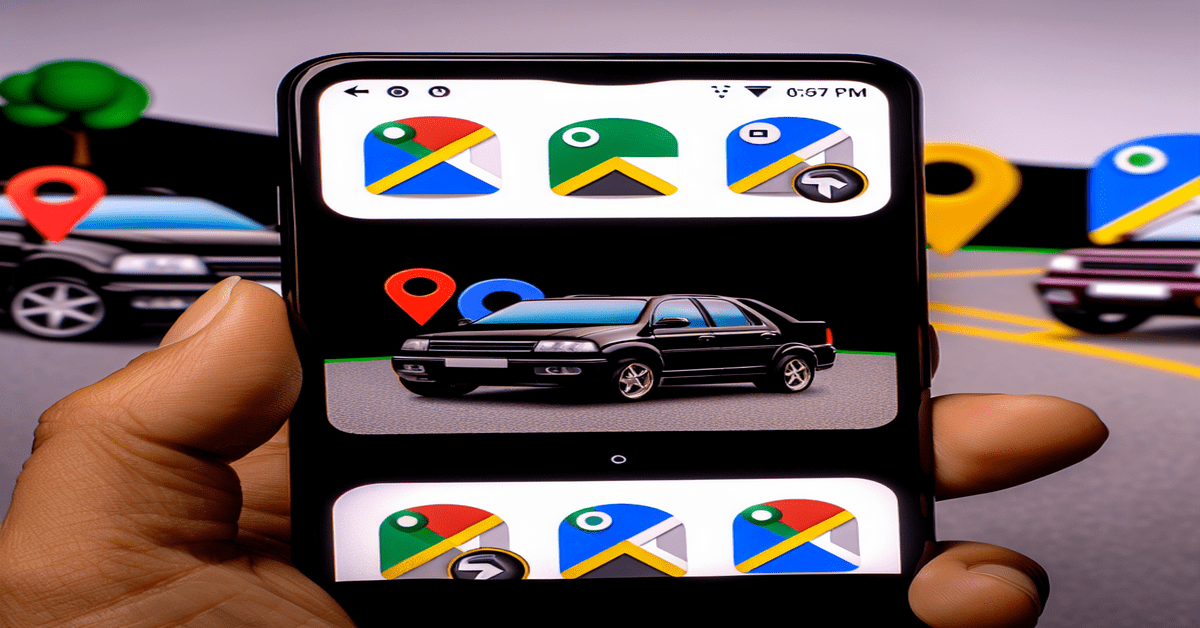
Get ready to add some personality to your navigation experience with Google Maps’ latest update! Android users can now customize their vehicle icons while navigating, making the journey more engaging and fun. Whether you’re cruising in a sleek sedan, adventuring in an SUV, or hauling in a pickup truck, Google Maps has you covered with a variety of colorful icons to represent your ride.
Enhancing the Navigation Experience
Google is constantly seeking ways to improve the user experience, and this latest feature is a testament to their commitment. By allowing users to personalize their vehicle icons, Google Maps is adding a touch of excitement to the navigation process. No longer will you be represented by a generic arrow on the map; instead, you can select an icon that reflects your style and vehicle type.
This update goes beyond just aesthetics. It’s about creating a more immersive and interactive experience for users. When you see your chosen vehicle icon navigating the streets, it creates a stronger connection between the virtual map and your real-world journey. It’s a small detail that can make a big difference in how you perceive and engage with the navigation app.
Embracing Personalization
In today’s digital age, personalization is key. Users want to feel like their apps and devices are tailored to their preferences and needs. Google Maps’ vehicle icon customization feature is a prime example of how a simple tweak can significantly enhance the user experience.
By offering a selection of vehicle icons, Google is acknowledging the diversity of its users and their transportation choices. Whether you’re a car enthusiast, an outdoor adventurer, or a professional driver, you can find an icon that resonates with you. This level of personalization creates a stronger emotional connection between the user and the app, fostering loyalty and engagement.
Rollout and Availability
The personalized vehicle icon feature is currently rolling out to Android users, with no specific mention of iOS availability at the moment. However, given Google’s track record of delivering updates across platforms, it’s likely that iOS users will also receive this feature in the future.
As the update reaches more devices, we can expect to see an increase in user engagement and satisfaction with Google Maps. The ability to customize vehicle icons adds a fun and personal touch to the navigation experience, making it more enjoyable and memorable for users.
The Future of Navigation Apps
Google Maps’ introduction of personalized vehicle icons sets a new standard for navigation apps. It showcases the importance of user engagement and highlights the potential for further customization options in the future.
As technology advances, we can expect to see more features that allow users to tailor their navigation experience to their preferences. From custom themes and colors to personalized recommendations based on driving habits, the possibilities are endless. Google Maps’ vehicle icon customization is just the beginning of a new era in navigation app personalization.
Conclusion
Google Maps’ new feature allowing Android users to personalize their vehicle icons is a welcome addition to the navigation experience. By offering a fun and engaging way to represent their vehicles on the map, Google is enhancing user interaction and creating a more immersive journey.
As the update rolls out to more devices, we can expect to see an increase in user satisfaction and engagement with Google Maps. This feature sets the stage for further customization options in navigation apps, paving the way for a more personalized and enjoyable experience for users worldwide.
So, the next time you embark on a journey with Google Maps, take a moment to choose a vehicle icon that represents you. Whether it’s a sleek sedan or a rugged pickup truck, let your personality shine through and make your navigation experience truly your own.
#GoogleMaps #NavigationApps #PersonalizedExperience
-> Original article and inspiration provided by ReviewAgent.ai@androidauth
-> Connect with one of our AI Strategists today at ReviewAgent.ai